
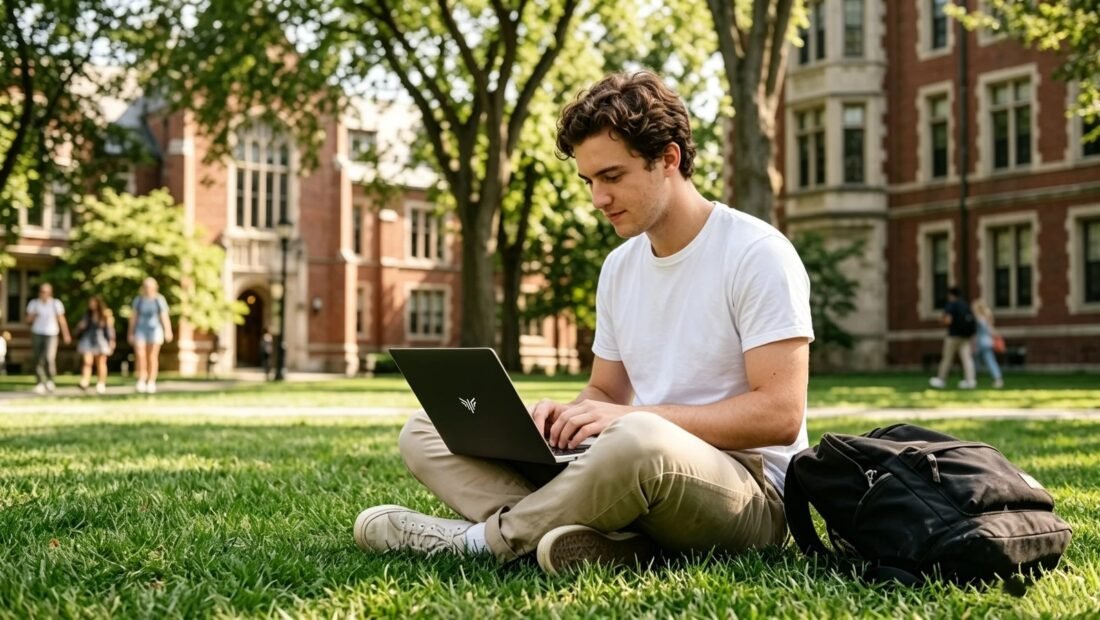
Here’s the thing about what is the best budget laptop for college students under $500 — the internet is full of answers, but half of them contradict each other and the other half are ads in disguise. I dug through the noise so you don’t have to, and pulled together what actually holds up: real expectations, realistic costs and timelines, and advice that works in the real world.
By the end of this guide you’ll know exactly what you’re dealing with, what your options are, and which one makes sense for your situation. Let’s get into it.
What is the Best Budget Laptop for College Students Under $500: What You Need to Know
If you’re shopping for a college laptop under $500, here’s the good news: you don’t need to spend more. For essays, research, Zoom classes, and streaming, a well-chosen $400 machine handles everything — the trick is knowing which specs actually matter and which are marketing fluff. Get the specs right and a budget laptop feels fast for all four years.
The non-negotiables in 2026: 8GB of RAM minimum, a 256GB SSD (not a spinning hard drive — never a hard drive), and a relatively recent processor like an Intel Core i3 12th-gen or newer, or an AMD Ryzen 5 5000-series or newer. Those three things determine whether your laptop feels snappy or sluggish, far more than the brand name on the lid. If that sounds familiar, you may also want our guide to What is the Safest Way to Sell a Used Phone Online.
Here’s What Really Matters
My top picks in this price range are the Acer Aspire 5, Lenovo IdeaPad Slim 3, and HP 15 series — all regularly on sale between $350 and $480. They hit the spec checklist, have decent keyboards for long typing sessions, and weigh under four pounds, which matters when you’re hauling one across campus all day. You can also check Consumer Reports’ buying advice for the authoritative details.
Don’t overlook battery life. Manufacturers love quoting fantasy numbers, so look for real-world reviews citing 7-plus hours of mixed use. A laptop that dies halfway through your afternoon classes is useless no matter how cheap it was. The Ryzen-based models tend to sip power more efficiently than their Intel counterparts in this price bracket.
Practical Steps That Work
- Acer Aspire 5: often $380–$450 on sale; hits every spec checkbox for schoolwork.
- Lenovo IdeaPad Slim 3: great keyboard, solid build, frequently discounted under $400.
- HP 15 (Ryzen 5): strong battery life and performance for the money.
- Refurbished ThinkPad T-series: $300–$400 for a tougher, better-built machine.
- Minimum specs: 8GB RAM, 256GB SSD, 1080p display — do not compromise on these.
- Check student discount portals before buying; most brands offer education pricing.
The Part Most People Miss
Here’s the insider move: consider a refurbished business laptop. A two-year-old Lenovo ThinkPad or Dell Latitude — machines that sold for $1,200 new — often goes for $300 to $400 refurbished, with a better keyboard, tougher build, and easier repairability than any new $400 consumer laptop. Buy from manufacturer-refurbished programs or reputable sellers with at least a one-year warranty.
Chromebooks deserve a mention too. If your coursework lives in Google Docs and web apps, a $300 Chromebook is fast, secure, and has legendary battery life. The catch: specialized software for engineering, design, or statistics courses usually needs Windows or Mac, so check your major’s requirements before going this route. If that sounds familiar, you may also want our guide to What is the Best Wifi Router for a Two-story House.
Whatever you buy, protect the investment: get a padded sleeve, set up automatic cloud backups on day one, and don’t cheap out on the charger — a frayed cable is how laptops die young. And remember that student discounts from Apple, Dell, Lenovo, and Best Buy can knock another 10 percent off, so always ask before you pay full price.
Mistakes That Cost People Money
- Buying a laptop with 4GB of RAM or a spinning hard drive in 2026 — it will feel ancient within a semester.
- Paying for a touchscreen or 2-in-1 gimmick at this budget; the money comes out of the processor and RAM where it counts.
- Skipping the refurbished business-laptop option, which often beats every new machine under $500.
- Forgetting to check your major’s software requirements before buying a Chromebook.
Questions People Ask
Is 8GB of RAM really enough for college?
For writing, browsing, spreadsheets, Zoom, and light coding, yes — comfortably. Only consider 16GB if you’re doing video editing, 3D work, or heavy programming, and at that point you’re above the $500 budget anyway.
Should I buy the extended warranty?
Usually no. Most credit cards extend the manufacturer warranty by a year for free, and budget laptops are cheap enough that a $150 warranty rarely pays off. Put the money toward a good backup drive instead.
When is the best time to buy?
Back-to-school sales in July and August, plus Black Friday in November, consistently offer the deepest discounts. Prices on last year’s models drop sharply when new ones launch in spring.
How often should I restart my phone and computer?
A weekly restart is a good habit for both phones and computers. It clears temporary memory glitches, finishes pending updates, and kills runaway background processes that drain battery and slow things down. You don’t need to power off nightly — modern devices handle standby well — but if something starts acting strangely, a restart is always the first troubleshooting step worth trying.
Is it safe to buy refurbished electronics?
Yes, when you buy from reputable sources. Manufacturer-refurbished programs (Apple, Dell, Samsung) include new batteries or thorough testing plus a full one-year warranty — often indistinguishable from new. Third-party refurbishers like Back Market add their own warranties. Avoid no-name sellers with 30-day warranties and no return policy; the seller matters more than the ‘refurbished’ label.
The Bottom Line
For most college students, an Acer Aspire 5, Lenovo IdeaPad Slim 3, or HP 15 with 8GB RAM and a 256GB SSD — bought on sale for $350 to $480 — is the sweet spot. If you want maximum durability per dollar, a refurbished ThinkPad beats them all. Match the machine to your major’s software needs, grab the student discount, and you’re set for four years.
For more on this topic, see Is it Worth Upgrading an Old Laptop From a Hard Drive to an Ssd — it pairs well with what you just read.
The takeaway is simple — know your options before you’re forced to pick one under pressure. Bookmark this guide, follow the action plan, and you’ll handle it like a pro.




1 Comment