
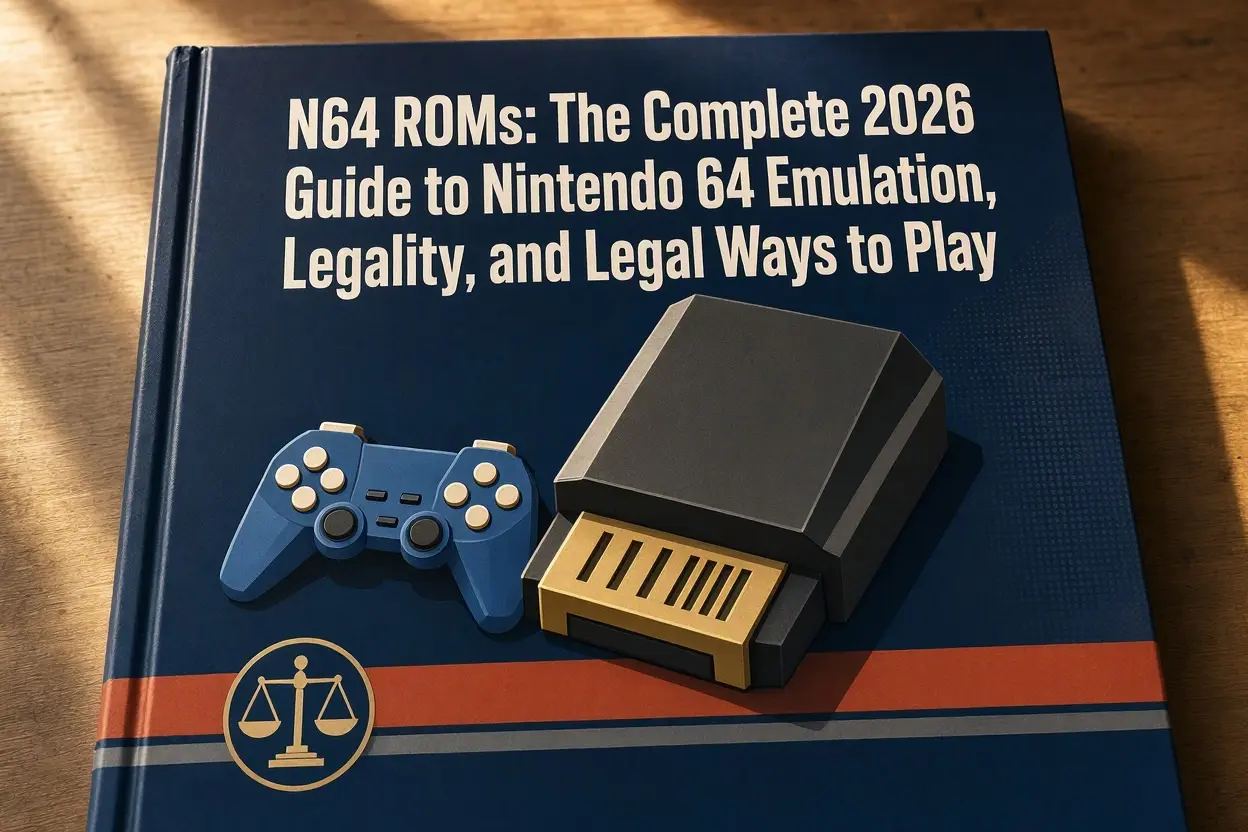
Here is the question that starts every N64 emulation rabbit hole: you own a dusty copy of Mario 64, you find the same game online in about ten seconds — can you just download it? The honest answer is “it’s murkier than either side admits,” and the option you pick changes your legal risk, your safety risk, and honestly how much fun you have. This guide weighs every realistic way to play Nintendo 64 games in 2026, what each one costs, and where each one stands legally, then gives a straight recommendation at the end.
First, What a ROM Actually Is
An N64 cartridge holds its game on a memory chip. A ROM is a file copied from that chip — the game’s data, lifted out of the plastic shell and onto a computer. An emulator is the program that pretends to be an N64 so your computer, phone, or handheld can run that file. Neither idea is exotic: the ROM is the game data, the emulator is the fake console, and you need both. This is also why the legal conversation splits in two — emulators and ROM files are judged very differently, as the options below make clear.
The Three File Extensions You Will Meet
N64 ROMs come in three formats, and the difference is simply the order the bytes were copied in. .z64 is the standard “big-endian” order and the format almost everything expects; if you have a choice, this is the one to keep. .v64 is byte-swapped in pairs, a leftover from one family of old copying devices. .n64 is little-endian, byte-swapped in groups of four. Most emulators open all three without complaint, but some tools, patchers, and flash carts insist on .z64. Free converter tools exist to swap formats, so a file in the “wrong” format is a two-minute fix, not a dead end. One related detail: games also come in regional versions — American and Japanese releases run at the 60 Hz speed most players expect, while European PAL releases were built for 50 Hz televisions and often feel slightly slower, so a dump of your US cartridge sidesteps that quirk entirely. One warning: if a file arrives as an .exe instead of one of these three extensions, delete it — real ROMs are never programs.
Option 1: Downloading ROMs From Websites
How it works: ROM sites host huge libraries, you click, you play. It is the fastest route and the one most people try first.
The good: zero cost, instant access to nearly the whole N64 library, including rare and expensive games.
The bad: this is the legally riskiest option by a wide margin. Nintendo’s position is blunt: downloading a ROM of a game — even one you own on cartridge — is copyright infringement, because the copy being distributed is not yours to take. Courts have backed publishers here; Nintendo has won judgments against major ROM sites and several of the biggest ones have shut down or removed their Nintendo libraries in recent years. There is also a safety problem: ROM sites are notorious for fake download buttons, bundled adware, and outright malware. And practically speaking, files from random sites can be mislabeled, corrupted, or hacked versions with cheats baked in.
Verdict on this option: the convenience is real, but so are the legal exposure and the malware risk. It is the option this guide cannot recommend.
Option 2: Dumping Your Own Cartridges
How it works: a small hardware reader pulls the data off cartridges you physically own and saves it as a ROM file on your computer.
The good: this is the route with the strongest legal footing. You made the copy yourself, from your own property, for your own use — the same logic as ripping a CD you own. Your files are guaranteed clean, correctly labeled, and exactly the version you remember. The most popular tools are the open-source Sanni cart reader (sold as the Open Source Cartridge Reader, roughly $100–200 depending on build and adapters), the older Retrode 2 if you can find one, and the Save the Hero/UltraSave-style devices for specific uses. The process is slow but simple: insert cartridge, insert reader, run the software, wait a few minutes per game.
The bad: the reader is a real purchase, dumping a big collection takes an afternoon, and this only covers games you actually own — it will not conjure up a copy of Conker’s Bad Fur Day you never bought.
Verdict on this option: the best balance of legality, safety, and authenticity for anyone who still has their childhood collection.
Option 3: Nintendo Switch Online + Expansion Pack
How it works: Nintendo’s own subscription on Switch (and its successor services) includes a growing library of N64 games you stream-launch from an official app.
The good: completely legal, zero setup, no files to manage, online multiplayer built in, and the emulation quality has improved a lot since its rocky launch. For casual play — Mario Kart 64 with friends, a nostalgic run through Ocarina of Time — it is the easiest experience that exists. The Expansion Pack tier costs roughly $50 a year for an individual membership.
The bad: you are renting, not owning. The library is a curated subset of the N64 catalog, games come and go at Nintendo’s pace, and when your subscription ends, so does your access. There are no mods, no ROM hacks, no save-file freedom, and no way to play the weird imports or translations the community has made.
Verdict on this option: the right choice for convenience-first players who mainly want the famous titles.
Option 4: Original Hardware, Flash Carts, and FPGA Consoles
How it works: play on a real N64 (or a modern FPGA console that recreates the hardware), using either original cartridges or a flash cart like the EverDrive 64 that loads ROM files from an SD card.
The good: perfect accuracy — no input lag surprises, no graphical glitches, and accessories like the Controller Pak and Rumble Pak just work. An original console plus a CRT television is the experience exactly as it was. FPGA machines such as the Analogue 3D aim to deliver that same accuracy over HDMI. A flash cart also doubles as the natural partner to Option 2: dump your own games, then play those files on real hardware.
The bad: money. A working N64, a good flash cart ($100–200), and a decent way to connect decades-old video outputs to a modern TV (cheap adapters look awful; good upscalers cost real money) add up fast. And a flash cart loaded with downloaded ROMs carries the same legal problem as Option 1 — the hardware is legal, the files are the question.
Verdict on this option: the enthusiast’s endgame — best experience, highest price.
Option 5: Homebrew and Genuinely Free Games
How it works: independent developers still write new N64 games and demos, and many release their ROMs free, on purpose.
The good: completely legal to download and play, often surprisingly good, and the homebrew scene keeps growing — new platformers, demos, and competition entries appear every year on community sites and itch.io. It is also a safe way to test an emulator setup before committing to anything.
The bad: these are new, small games, not the classics. Nobody’s homebrew replaces GoldenEye.
Verdict on this option: free, legal, and worth an evening of anyone’s time.
Once You Have Files: Choosing an Emulator
The emulator matters more than most people expect, because N64 emulation is genuinely hard — the original hardware did some strange things, and different emulators trade accuracy against speed differently.
On Windows, Mac, and Linux, your main choices are these. Simple64 is the accuracy-focused favorite: it aims to run games the way the hardware did, handles most of the library well, and is the default recommendation for a modern PC. RetroArch with the Mupen64Plus-Next or ParaLLEl core is the flexible option — one app for many consoles, with shaders, rewind, and netplay features; the RetroArch documentation explains its core system in depth. Ares is a beautiful multi-system emulator with strong N64 accuracy for higher-end machines. Project64 is the veteran name many people remember; it still works, but its development has been patchy and the others have largely passed it by. If a game misbehaves in one emulator, trying it in another is a legitimate troubleshooting step, not overkill — compatibility genuinely varies by title.
On Android, Mupen64Plus FZ is the long-standing pick, with per-game profiles and good controller support, and RetroArch works here too. On iPhone and iPad, Delta (available on the App Store since Apple relaxed its emulator rules in 2024) includes N64 support and is the simple, legal-to-install route. Nearly all of these are free; if a site tries to charge you for an emulator download, you are in the wrong place.
Settings That Actually Make a Difference
You can leave most settings alone, but four are worth knowing. Resolution: emulators can render N64 games far above the original 240p/480i output, and at 1080p classics like Banjo-Kazooie look startlingly clean — raise it until your frame rate dips, then back off one step. Texture filtering and widescreen hacks: filtering smooths the era’s muddy textures (a matter of taste), while true widescreen patches change how games render and can break some titles — use per-game judgment. The controller: the N64’s three-pronged pad maps awkwardly to modern controllers, and the C-buttons are the whole problem — map them to the right stick for camera-heavy games, or to face buttons for games like Smash Bros. where they are jump buttons. An original-style USB N64 controller, available cheaply, removes the headache entirely for purists. Input lag: if controls feel floaty, enable the emulator’s low-latency options, use a wired controller, and check your TV is in game mode — the delay is usually the television, not the emulator.
Problems Everyone Hits, and What They Mean
The game boots to a black screen. Usually a bad file or an emulator/core mismatch. Try a different emulator before assuming the ROM is broken, and make sure the file is a real .z64, .v64, or .n64 — not a renamed zip or exe. Graphics are garbled or pieces are missing. The N64’s graphics chip is the hardest part to emulate; switching the graphics plugin or core (GLideN64 is the usual quality pick) fixes most texture disasters. The game will not save, or saves vanish. N64 games used several different save types — SRAM, FlashRAM, EEPROM, Controller Pak — and emulators occasionally guess the wrong one. Per-game settings or community compatibility lists will tell you the right type; Pokemon Stadium and a few others are famous for this. Slowdown in busy scenes. Some is faithful to the original (GoldenEye chugged on real hardware too), but if everything crawls, lower the rendering resolution first — it is the biggest lever you have.
A Short, Honest Word About Safety
Whatever route you choose, get your software from official sources: emulator homepages, GitHub releases, and app stores. The ecosystem around ROMs and emulators attracts scam sites that wrap real tools in installers stuffed with adware. The pattern to recognize is any site that makes you click through three “download” buttons, asks you to install a downloader first, or offers ROMs as executable files. Real tools are free, come from one obvious place, and never need a helper program to install. This is the same skepticism worth applying to any old media online — our guide to how to watch old TV shows that are not on streaming runs into the same species of shady site.
The Games That Justify All This Effort
If you are building a legal library from your own shelf, prioritize the titles emulation handles best and time has treated kindly: Super Mario 64 and both Zelda games (Ocarina of Time and Majora’s Mask, the latter being the one that most rewards a replay as an adult), Mario Kart 64 and Diddy Kong Racing for multiplayer, GoldenEye 007 and Perfect Dark (expect to spend ten minutes on controller mapping — worth it), Banjo-Kazooie, Star Fox 64, Paper Mario, and F-Zero X, which still feels impossibly fast. All of these run well on the emulators above, and most are exactly the cartridges people still own.
Why Emulators Are Legal but Downloaded ROMs Usually Are Not
This distinction confuses everyone, so it is worth slowing down. Emulators have a solid legal track record in the United States: in the late 1990s and early 2000s, Sony sued two commercial emulator makers, Connectix and Bleem, and lost — courts held that reverse-engineering a console and selling a program that imitates it is fair use, as long as the emulator contains none of the console maker’s copyrighted code. That is why emulators sit openly in app stores and on GitHub today. ROMs are different because a ROM is the copyrighted work — the whole game. Handing that file to someone else, or taking a copy from someone who had no right to share it, is the infringing act, and “I own the cartridge” does not transfer the right to download a stranger’s copy. Making your own copy from your own cartridge sits in the strongest position because no distribution happens at all. Laws vary by country — some places are stricter, a few more permissive — but this emulator-yes, download-no split is the practical rule across the US, UK, and EU. None of this is legal advice; it is the generally understood landscape the community operates in, and it explains why this guide keeps steering you toward your own shelf.
Dumping a Cartridge: What the Process Actually Looks Like
People imagine dumping is technical, but the modern readers made it dull in the best way. With a Sanni-style reader, the routine is: slide the cartridge into the N64 slot adapter until it seats firmly, connect the reader to your computer by USB, open the reader’s menu (on the device itself or its companion software), choose the dump option, and wait — typically a few minutes for an N64 game. You get a .z64 file named after the game, and the software reports a checksum, a string of characters that acts like a fingerprint for the file. Compare that fingerprint against the community’s known-good databases (the No-Intro project maintains the reference lists collectors use), and a match means your dump is a perfect copy — bit for bit what was on the chip. A mismatch usually just means dirty cartridge contacts; a pencil eraser or isopropyl alcohol on the contacts, then a second try, fixes most of them. Save files can be pulled off the cartridge the same way, which is how people rescue a 100-hour Zelda save from a dying battery. Do a shelf of twenty games in an afternoon and you own a clean, legal, permanent library that no store closure or subscription change can take away.
What a “ROM Set” Is, and Why Collectors Chase Them
Browse emulation forums and you will meet the term “romset”: a complete, verified collection of every game for a system — every region, every revision. Full N64 sets run to well over a thousand files once you count the Japanese and European versions and the mid-production revisions some games received. Collectors like sets because they are verified: each file’s checksum has been checked against the known-good database, so nothing is corrupted, hacked, or mislabeled. You do not need a set. For almost everyone, the dozen games they actually owned and loved, dumped and verified individually, is the better library — smaller, legal, and entirely games you will play. But now you know what people mean, and why a file from a curated set tends to work while a random single download sometimes does not: it is the verification, not the source, that you are benefiting from — and your own dumps give you that same certainty.
Why People Bother: What the Physical Route Costs Now
Part of emulation’s rise is simple economics. The secondhand market for N64 cartridges has climbed for a decade: common classics like Mario Kart 64 typically change hands for $40–60 loose, in-demand titles such as Conker’s Bad Fur Day and some Pokémon releases run well past $100, and graded, boxed copies live in a different universe entirely. None of that money reaches the people who made the games, which is worth remembering when the ethics come up — the used market is legal and lively, but it is not supporting Nintendo or the original developers either. This is precisely why the middle routes in this guide exist. The subscription rents you the hits cheaply, and your own shelf — if you kept it — turns out to have been the best investment in the whole hobby. If you kept nothing, accept the rental or start a modest physical collection slowly, at flea-market prices rather than auction fever, instead of pretending the download sites are a victimless shortcut.
The Recommendation, Plainly
Match the option to your situation. You still own your cartridges: dump them (Option 2) and play the files in Simple64 or RetroArch — legal, safe, free after the reader, and yours forever. You own nothing and want zero hassle: Nintendo’s subscription (Option 3) and its official N64 library, explained on Nintendo’s official site alongside its other services, is the clean path — accept that you are renting. You want the real-hardware feel: save up for Option 4 and do it properly. You are just curious: start with homebrew (Option 5) tonight, free and legal, and see whether the hobby sticks before spending anything. The only option with nothing to recommend it is the pirate site — it risks your computer and your legal standing to save you money that the other routes mostly do not cost.


1 Comment