
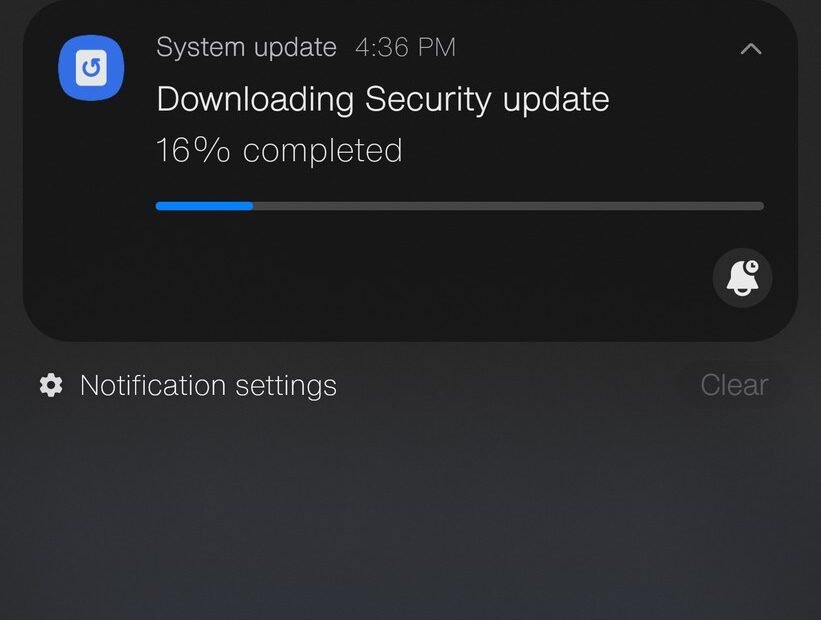
It usually happens at the worst moment. You pull out your phone to check your bank balance, tap the app, and get a flat little message: this app no longer works on your version of the system. Please update. Behind that message sits a choice you have been putting off for months, maybe years — you have never updated this phone, not once, and now the phone is starting to make the decision for you.
Skipping updates feels harmless because nothing breaks on day one. The phone still calls, still texts, still scrolls. What changes is quieter than that, and it builds up in layers: your safety, your apps, your battery, and finally the phone’s basic ability to do its job. Here is what is really going on underneath, layer by layer.
The security holes nobody patches for you
Every phone update carries two kinds of changes. The first kind is the stuff you can see — a new look, a new feature, a moved setting. The second kind is invisible: fixes for security flaws that researchers and, unfortunately, criminals have found in the system since the last update.
Those flaws are not theoretical. Once a flaw becomes known, the details spread fast, and tools that exploit it follow. A phone that never updates keeps every flaw it shipped with, plus every flaw discovered since. Attackers love this, because an old phone is a known target — they do not have to guess where the weak points are.
The practical risks are the everyday ones. A malicious website or a booby-trapped message can use an unpatched flaw to get into the phone without you installing anything at all. Banking apps, email, and photo libraries live behind those same walls. This is why security agencies urge people to treat updates as basic hygiene; the guidance from CISA’s Secure Our World program puts turning on automatic updates near the top of its short list for ordinary users.
There is an important split here. Small security patches are almost pure benefit — they change little and fix real holes. Big system upgrades, the ones that jump a full version number, are the ones that occasionally bring bugs or change things you liked. Treating both the same — refusing all of them — throws away nearly all of the protection to avoid the small part that carries any risk.
Your apps leave, one at a time
App developers build for the present. Each year, the tools they use raise the minimum system version their apps need, and one by one, the apps on an un-updated phone stop receiving new versions. At first you just miss features. Then an app stops working entirely because the company changed something on its servers and the old app can no longer talk to it.
Banking and payment apps are usually the first to go, because banks are strict about security. After them come messaging apps, shopping apps, and the two-factor and ID apps that modern life keeps demanding. The end state looks like this: the phone hardware still works fine, but the phone can no longer do the jobs you actually need it for.
There is a quieter version of this problem too. Web browsers stop updating, which means newer websites render badly or refuse to load. Certificates expire and are not renewed, so sites start throwing security warnings. Nothing dramatic — just a slow narrowing of what the phone can reach.
The battery fear, and where it came from
Ask people why they never update and one answer comes up again and again: “Updates slow your phone down and kill the battery. They do it on purpose so you buy a new one.” This belief has a real root. In 2017 it came out that Apple had quietly slowed down older iPhones whose batteries had worn out, without telling owners. The backlash was enormous. Apple paid $500 million to settle claims, apologized, cut battery replacement prices, and added battery health information and controls to the system.
The full story matters, though. The slowdown was meant to stop worn-out batteries from shutting the phone off mid-task — a real problem with old batteries — and the scandal was about the secrecy, not about updates in general. Modern systems show you your battery health as a percentage, and a weak reading there explains most “my phone got slow” stories far better than any update does.
What is true: a major upgrade can make an old phone feel slower for a few days while it re-indexes photos and files in the background, and new features are built with newer hardware in mind. On a phone near the end of its support life, a big upgrade can be a genuine strain. That is an argument for being selective about major versions on very old phones — not for refusing the small security patches that keep you safe in the meantime.
What updates fix that you never hear about
Between the headline features and the security patches sits a third pile of work: bug fixes for things people complain about without ever knowing an update was the cure. Wi-Fi that drops for no reason. Bluetooth that will not pair with the car. A camera that crashes in cold weather. Mobile signal handling that drains the battery in weak-coverage areas. Modem and radio fixes ride along inside system updates, so a phone that never updates also never gets its connection problems fixed.
Updates also keep a phone compatible with the networks themselves. Carriers change their systems over time — old voice technology gets switched off, new bands come online — and phones need current software to keep up. More than one person has “lost signal forever” on a phone that simply needed the update it had been refusing for two years.
The day the updates stop completely
Every phone has a support horizon, and it differs a lot by brand. Recent Google Pixel phones get about 7 years of updates. iPhones typically get 5 to 7 years. Samsung’s flagship phones get around 4 to 5 years, and cheaper Android phones often get less — some budget models get barely two or three years of meaningful cover.
When your phone crosses that horizon, the situation changes category. It is no longer “a phone that has not been updated lately”; it is a phone that can never be made safe again, because no fix is coming no matter what you tap. Apple publishes its security fixes openly — the list at Apple’s security releases page shows exactly which systems still receive patches — and the day your model drops off lists like that is the day to start planning a replacement, especially if you bank or work on the phone.
Until that day, though, an un-updated phone is a choice, not a fate. The fixes exist. They are free. They take a few minutes and a charger cable.
The spare phone in the drawer has the same problem
There is one more place this quietly matters: the retired phone. Old phones get handed to children, lent to parents, kept as spares for travel or emergencies — and they tend to be exactly the devices nobody updates, because nobody quite owns them anymore. A hand-me-down phone signed into a parent’s email and banking, running a three-year-old system, is not a harmless spare. It is the least protected device in the family holding some of the most sensitive accounts in it.
The rule for spares is simple. If a phone can still receive updates, update it fully before handing it over, and wipe your own accounts off it first. If it cannot receive updates anymore, it can still serve as a camera, a music player, a child’s offline games machine — but keep banking, email, and shopping accounts off it. The support horizon is not snobbery about old gadgets. It is the line between a device that can be defended and one that cannot.
A sane policy for people who hate updating
You do not have to love updates to handle them well. The strategy that gets you nearly all of the protection with almost none of the drama has three parts.
First, turn on automatic installation for security patches and minor updates, and let them install overnight while the phone charges. You will barely notice them. Second, when a major new system version lands, wait two to four weeks before installing it. By then, the early bugs have been found and usually fixed in a follow-up, and you still get the new version while it is fresh. Third, protect the accounts themselves as a second wall — even a fully patched phone benefits when you set up two-factor authentication on your important accounts, because a stolen password alone then does an attacker no good.
And keep one eye on the calendar. If your phone is inside its support window, update it and stop thinking about it. If it has fallen out of the window, no setting can save it — that is the manufacturer’s way of telling you the phone has retired, whether it still lights up or not.




1 Comment