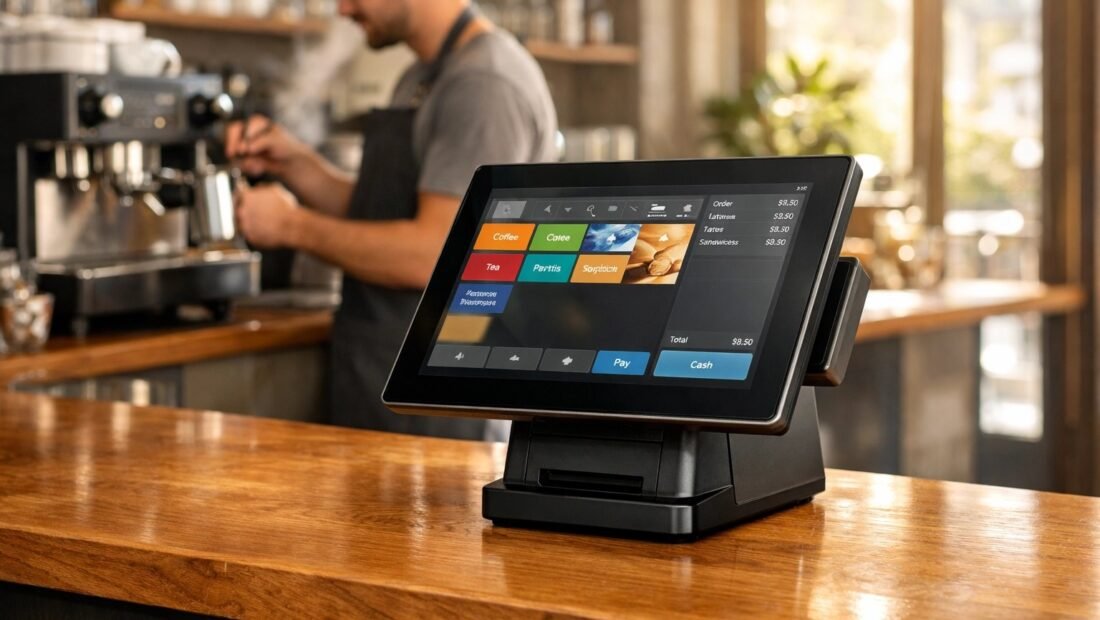
Here is the question that actually decides which POS system your coffee shop should run: on a five-dollar coffee, which part of the processing fee matters — the percentage, or the fixed cents riding behind it? Most owners compare the headline percentages and pick the smaller one. On small tickets, that is exactly backwards, and it is why the same system can be the cheap choice for a restaurant and the expensive one for a café. This comparison works through Square, Toast and Clover with coffee-shop math, not brochure math.
The fee lesson every café owner learns once
Card fees have two parts: a percentage of the sale and a flat amount per transaction. At a $5 average ticket, Square’s well-known in-person rate of 2.6% + 10¢ takes 23¢ — an effective 4.6%. Toast’s lower percentage, around 2.49% + 15¢, takes about 27¢ — an effective 5.5%. The “cheaper” rate costs more on every single coffee, because the extra nickel per transaction outweighs the percentage saving until tickets get much larger. Run this arithmetic at your own average ticket before you read another feature list; for most cafés it frames the whole decision. Current published numbers are on Square’s published pricing page, and the habit of checking the fixed fee first will serve you with every provider below.
Square: the default, and why it earned that
The case for it. Square’s basic POS costs $0 a month, the first card reader is free, and you can be taking payments on a phone within the hour. The interface is the one your newest barista will learn fastest — modifiers for milk, size and extras are clean, the register flow is quick at a morning rush, and offline mode keeps the line moving when the internet drops. Reporting covers what a small café actually checks: hourly sales, top items, staff totals. Gift cards, loyalty and online ordering bolt on inside the same system as you grow.
The case against. That 2.6% + 10¢ is not negotiable at small volumes, and peripherals add up: the elegant Square Register is $799, the handheld Terminal $299, a second reader $59. Square is a generalist — it will not give you the deep kitchen display and coursing tools a full restaurant gets from a specialist. And because everything lives in Square’s garden, leaving later means changing hardware and habits at once.
Realistic cost: $0 to start with a phone and free reader; budget $300 to $800 for a solid counter setup with a stand, reader and receipt printer.
Toast: the café that is really a small restaurant
Toast’s POS for restaurants and cafes is built food-first: menu engineering, kitchen displays, coursing, and staff tools that suit a café serving a serious food menu at busy tables. Plans run from $0 to about $165 a month, with processing around 2.49% + 15¢, and its regulars swear by the depth — run a busy brunch with a kitchen screen and you feel the difference immediately.
The honest downsides for a drinks-led shop. The fee math above: at café ticket sizes that 15¢ fixed fee quietly makes Toast the pricier option per cup. Hardware is proprietary — typically $500 to $1,000+ to start, and it works with Toast or nobody. Contracts deserve slow reading. If your business is ninety percent drinks over a counter, you may be buying restaurant machinery to pour lattes.
Best fit: high-volume cafés with a real food program, table turnover, and a kitchen that needs a display system more than it needs a lower per-cup fee.
Clover: good hardware, confusing quotes
Clover sits between the two: capable hardware (from compact counters to full stations, $0 to $750+ depending on the bundle), software plans from about $15 to $130 a month, and an app market that fills gaps. The catch is how it is sold — through resellers and banks, each setting their own processing rates and contract terms. Two cafés can run identical Clover hardware at meaningfully different total costs, and the industry’s most confusing quotes come from this model.
If you consider Clover: get the full rate sheet in writing — in-person rate, fixed fee, monthly software, hardware terms, contract length, early-exit cost — and compare the five-year total, not the first month. The hardware itself is genuinely pleasant to use; it is the paperwork that needs a careful reader.
A worked example: one ordinary café, one month
Make the comparison concrete. Take a café selling 300 drinks and pastries a day at a $6 average ticket, open 26 days a month — about $46,800 in monthly card sales across roughly 7,800 transactions. On Square at 2.6% + 10¢, processing runs about $1,217 in percentage fees plus $780 in fixed fees: roughly $1,997 for the month, with $0 software on the basic plan. On Toast at 2.49% + 15¢, the percentage drops to about $1,165, but the fixed fees climb to $1,170 — roughly $2,335 before any monthly plan cost. The lower headline rate ends up about $340 a month more expensive at this ticket size, every month, purely because of five extra cents per tap. Flip the example to a café-restaurant with a $22 average ticket and the ranking reverses: the fixed fees shrink into the background and the lower percentage wins. That is the whole lesson — your ticket size picks your system.
Payouts, add-ons and the ecosystem tax
Two quieter costs deserve a line in the comparison. The first is payout speed and cash flow: standard deposits land in one to two business days on all three systems, and every provider sells instant payouts for an extra percentage — tempting in a tight week, expensive as a habit. The second is the add-on stack. Online ordering, loyalty programs, gift cards, email marketing and payroll integrations are where modern POS platforms really earn, and each is priced separately: a café that starts at $0 can be at $100+ a month within a year without noticing. None of this is a reason to avoid the add-ons — a loyalty loop that brings regulars back one extra time a month pays for itself many times over — but price the system you will actually be running in twelve months, not the one in the demo.
What matters behind the counter, beyond fees
Fees frame the decision; the morning rush settles it. Weigh these in any demo, ideally by tapping through your own five most common orders. Modifier flow: can a new hire build “large oat-milk latte, extra shot, half-caf” in seconds without a manual? Offline mode: when the connection drops at 8 a.m., does the line keep moving and sync later? Hardware footprint: counter space in a café is rent-paid real estate, and a bulky station costs you a pastry case. Staff accounts and end-of-day reports: closing should take minutes, not archaeology. And gift cards plus a simple loyalty loop matter more to cafés than to almost any other trade — regulars are the business.
One more non-negotiable: take cards and tap-to-pay, always. The large majority of café transactions are now card or phone; a cash-only counter does not save fees, it donates customers to the shop down the street. The same tap-and-go logic applies anywhere you sell in person — the setup behind accept credit card payments at a farmers market is a cousin of the café counter, and the fee arithmetic works exactly the same way on a $12 jar of jam.
Try it the way your staff will use it
Before signing anything longer than a month, run the system at your own counter pace. Square lets you start free on a phone, which makes the trial honest: take a full Saturday on it, with your real menu loaded, and watch where a new hire hesitates. With Toast or Clover, insist on a demo with your menu, not the salesperson’s, and time the five orders you sell most. Ask each provider two blunt questions: what does it cost to leave, and what happens to my gift-card balances and customer data if I do? The answers, and how comfortably they are given, tell you most of what the contract’s small print will.
The verdict
For most coffee shops, start with Square: zero monthly cost to begin, the fastest staff training, fees that are genuinely competitive at drink-sized tickets, and hardware you can grow into piece by piece. Choose Toast when your café is really a small restaurant — real kitchen, real food volume, tables to turn — and its depth will repay its fees and hardware lock-in. Consider Clover only with the full written rate sheet in hand and a five-year total you have checked yourself.
Whichever you pick, decide with your own numbers: your average ticket, your card share, your busiest hour. The best POS is the one whose fee structure fits your ticket size and whose screen your newest hire can run at 8 a.m. without calling you. For most cafés reading this, that system is Square — and it is not especially close.