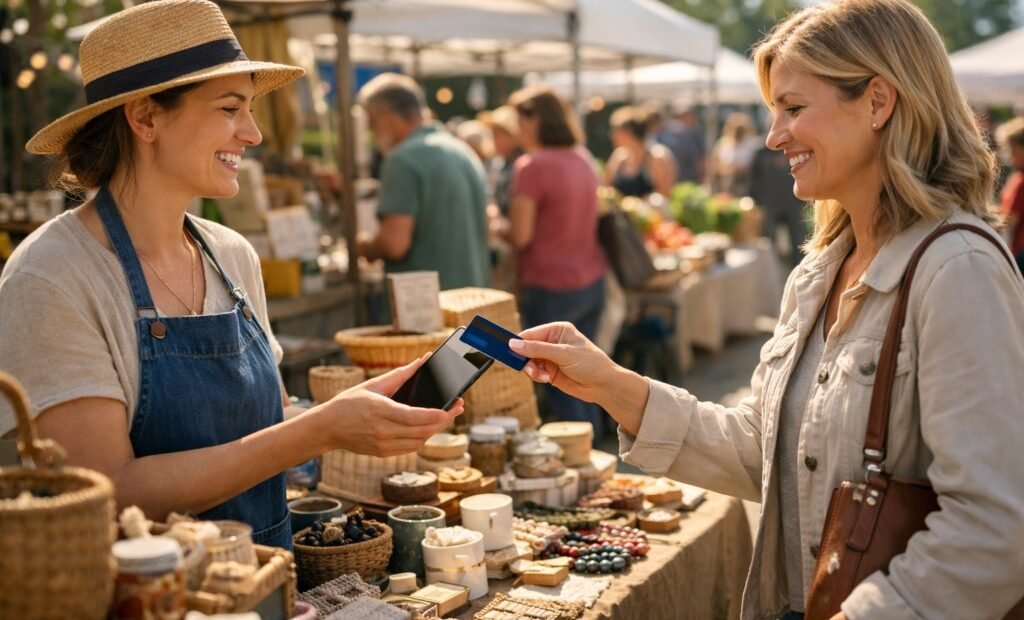
Saturday, 9 a.m., your table is the one everyone stops at — and then the question lands: “Cards?” You shake your head, the customer smiles sadly, and the jam stays on your table while they walk to the vendor two stalls down whose little white reader just paid for itself again. Cash-only made sense when cards meant a bank merchant account and a wired terminal. It does not anymore. Here is the complete setup, in order, for taking card payments at a market stall — most of it free, all of it doable before next Saturday.
What you need on the workbench
A smartphone or tablet, a payment account (step one), a card reader (step two), and a plan for the one real villain of outdoor selling: the connection. Total start-up cost for the simplest correct setup: $10 or less. Total time: under an hour, most of it waiting for an identity check.
Step 1: Open the account — Square is the default for a reason
For a market vendor, the default choice is Square, and the case is simple: no monthly fee, no contract, sign up in about five minutes, and pricing you can state in one sentence — 2.6 percent plus 10¢ per tap, dip or swipe, published plainly on Square’s pricing page. PayPal’s reader (around 2.29 percent plus 9¢) and Stripe’s (around 2.7 percent plus 5¢, aimed at slightly more technical setups) are real alternatives, but Square’s ecosystem — inventory, receipts, sales reports, a path to a proper register if the stall becomes a shop — is why most of the row will be using it. Manual card entry costs more everywhere (around 3.5 percent plus 15¢ on Square) because keyed-in cards carry more fraud; treat typing numbers as the fallback, never the method.
Step 2: Get the reader, and know which one
Square’s first reader is free when you sign up — and it is the old headphone-jack magstripe model, so set expectations accordingly. The reader you actually want is the contactless and chip reader: $59 at retail, sometimes less, accepting tap-to-pay, Apple Pay, Google Pay and chip cards, connecting by Bluetooth. If your phone is newer, tap-to-pay on the phone itself may eliminate the reader entirely at the same rates — check the app before buying anything. Vendors selling at volume or in all weather sometimes step up to the countertop-style terminal ($299), but for a stall, the $59 reader plus your phone is the correct machine.
Comparing the realistic alternatives for a stall
Three names cover nearly every market row in the country. Square wins for most vendors on ecosystem and onboarding: the free tier of the point-of-sale app, the reader ecosystem, and no monthly fee — the last being decisive for seasonal sellers, because a system that bills you in February for a stall that opens in May is the wrong system. PayPal Here (through Zettle) undercuts slightly on rate — around 2.29 percent plus 9¢ — and makes sense if your customers already live in PayPal’s world or you sell heavily online through it. Stripe Terminal is the technologist’s choice: competitive rates and the best tools if your market stall is one channel of a bigger online operation, but the setup assumes a comfort with developer-style dashboards that most jam makers neither have nor need. All three pay out to your bank typically within one to two business days. The decision rule: if in doubt, Square; if PayPal is already your money’s home, Zettle; if you are building something bigger than a stall, look at Stripe once the stall works.
Step 3: Do the money math on real sales
Run the fee against your actual ticket sizes before the first market day. On a $12 jar-and-loaf sale through the reader: 2.6 percent is 31¢, plus the 10¢ flat fee, equals 41¢ taken, $11.59 kept. That flat dime is why tiny tickets sting proportionally — a $3 coffee loses about 18¢, close to 6 percent — and why some vendors set a sensible card minimum or nudge small sales toward bundled baskets. What you are buying for the 41¢ is the sale itself: the customer with no cash, the second jar added on impulse, the $40 gift basket that never happens in bills. Cash-only does not save the fee; it declines the revenue. That’s the whole comparison, and it’s why the reader pays for itself in the first hour most vendors use one.
Step 4: Solve connectivity before the field solves it for you
Markets happen in fairgrounds, fields and dead zones. Three defenses, in order of importance. Offline mode: Square and the others can accept payments without a connection and process them when you are back in range — enable it, know its limits, and accept that offline means slightly more risk carried by you. A phone plan with real data and a charged power bank: the reader and phone are your till, and a dead till at noon on market day is a choice you made on Friday. And a paper fallback: a Venmo or cash option displayed clearly, so a total connection failure degrades the day instead of canceling it.
Pricing with the fee in mind — absorb it, mostly
The fee should be treated like the cost of the jar: part of your price, not a surprise at the end of it. Most successful market vendors simply price in round, clean numbers — $12, not $11.70 — sized so the fee sits comfortably inside the margin, and never mention fees to customers at all. Adding a visible card surcharge is legal in many places within card-network rules, but at a market it is strategically poor: the customer experience is “the friendly stall added a penalty,” and the goodwill costs more than 41¢. The productive use of the fee math is menu design — building baskets and bundles (two jars, a loaf and a spread) that lift the average ticket, because the flat 10¢ shrinks as a share of every transaction as the ticket grows. Your prices should quietly solve the fee, so your selling never has to discuss it.
Step 5: Set up the stall like a shop for one day
Small details separate vendors who take cards smoothly from vendors who wrestle technology in public. Charge everything the night before — reader, phone, power bank. Test one payment at home, on a family member’s card, so your first live transaction is not in front of a queue. Put the “Cards welcome” sign where approaching customers see it, because it changes who stops. Turn on digital receipts (text or email) — they double as your marketing list’s front door when customers opt in. And reconcile at day’s end against the app’s report while the market is fresh in your head; two minutes on Saturday beats an archaeological dig in April.
Step 6: Handle the tax and record side without drama
Card income is recorded income — the app keeps a perfect ledger, and payment processors report volume to the IRS on Form 1099-K under the rules in force, so the money belongs in your books from the first sale. This is a feature dressed as a chore: the same reports that satisfy the tax side also show you your best sellers, best hours and best markets, which is how stalls grow into stands and stands into shops. Vendors who later build the stall into a permanent café find the whole stack transfers — the comparison of POS systems for a coffee shop starts from exactly the reader on your table.
Season two: what changes once it works
Once the reader is routine, the upgrades that matter are about queue speed and second locations. Build the item library with photos and prices so a sale is two taps instead of typed numbers — at a busy stall, checkout speed is sales. Add a second reader when a helper runs the table with you, and give them their own sign-in so the reports stay clean. Turn on gift cards before the holidays; market gift cards are bought by exactly the loyal customers you already have. And if a second market on the same morning becomes possible, the same account runs both stalls on separate devices, with one report at day’s end — the moment your stall starts behaving like a small chain, using the same discipline, at no extra monthly cost.
The whole setup, on one line
Free account, ten-dollar-to-fifty-nine-dollar reader, 2.6 percent plus a dime per sale, offline mode armed, battery full, sign up. An hour of setup, and the question “Cards?” — the one that has been walking customers away from your table all season — becomes the easiest yes at the market. Set it up on a weekday evening, test it at the kitchen table, and let next Saturday be the first market where your best customer’s empty pockets are no longer your problem — where the only reason a sale walks away is that someone genuinely did not want the jam.