
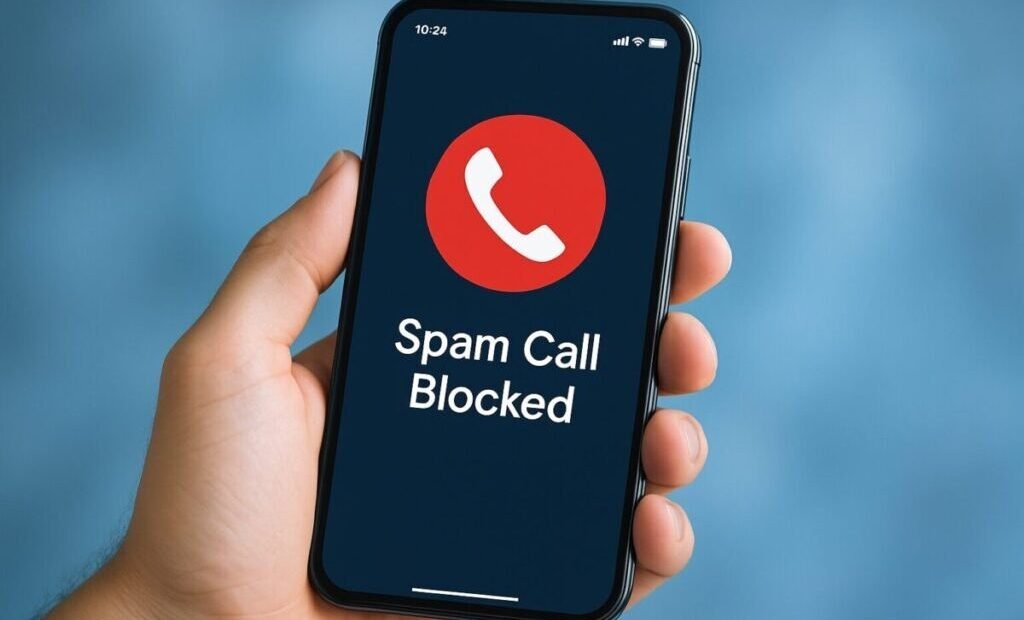
Four spam calls before lunch. One about your car warranty, which you do not have. One from a robot claiming to be your bank. One silent hang-up, and one from a number that looks almost exactly like your own. You cannot stop the entire robocall industry from your phone — but you can reduce it from a daily harassment to a rare event, because an iPhone has five layers of defense built in or freely available, and most people have switched on none of them. You need your iPhone and about ten minutes. Work through the methods in order; each one catches what the previous one missed.
Method 1: Silence Unknown Callers (the Big One)
This single setting does more than the other four combined. Open Settings → Phone (on newer iOS versions, Settings → Apps → Phone) and turn on Silence Unknown Callers. From now on, any number that is not in your contacts, recent outgoing calls, or Siri’s suggestions does not ring your phone at all. It goes straight to voicemail and appears in your recent calls list. A real human with a real reason — the school, the doctor’s office, a delivery driver — leaves a message or is calling from a number you can add. A robocall operation leaves nothing and moves on. The trade-off is honest: a first call from a number you genuinely need (a new pharmacy, a tradesperson calling back) will also be silenced, once, until you add it. For most people drowning in spam, that is a trade made gladly. Apple’s own support pages on blocking calls and contacts describe the setting and its companions in full.
Method 2: Block and Report the Ones That Get Through
For the specific numbers that reach you — the repeat offenders — blocking is two taps: open Phone → Recents, tap the (i) next to the number, and choose Block this Caller. Understand what this does and does not do. It permanently silences that exact number, which is perfect for a harassing ex-service or a local nuisance that reuses one line. It does almost nothing against professional robocallers, who rotate through thousands of spoofed numbers and will simply arrive wearing a new one tomorrow. Block without anger, as housekeeping, and let Methods 1, 3, and 4 fight the industrial spam. When a call is a scam attempt (not just marketing), report it where you can — your carrier’s app and the FTC both take reports, and those reports feed the enforcement cases that occasionally end with an entire operation shut down.
Method 3: Turn On Your Carrier’s Free Shield
The three big US carriers all run network-level spam filters, and all three give the core protection away free — most customers simply never activate it. AT&T’s is called ActiveArmor, T-Mobile’s is Scam Shield, and Verizon’s is Call Filter. Download your carrier’s app, turn on the spam blocking, and let it work upstream: these systems score calls against enormous databases of known scam numbers and flag or block them before your phone is even asked. This layer catches the fresh spoofed numbers that slip past your personal block list, because the carrier sees patterns across millions of calls that no single phone can see. The FCC’s guide to stopping unwanted robocalls and texts lists the carrier tools and the official rules behind them, and it is worth a read once.
Method 4: Add a Specialist Blocking App
If spam still bleeds through after the first three methods, a dedicated app adds a fourth filter. Apps like Hiya and Truecaller plug into iPhone’s call-blocking framework (enable them under Settings → Phone → Call Blocking & Identification) and check every incoming number against their own constantly updated databases, with community reports from millions of users. They are particularly good at the “neighbor spoofing” trick, where the call pretends to come from your own area code and exchange. Choose one reputable app rather than stacking three — multiple blockers can conflict — and check its privacy policy the way you would any app’s, because a call screener necessarily sees numbers. Free tiers are enough for most people; the paid tiers mostly add lookup conveniences.
Method 5: Register, and Change Your Own Habits
Put your number on the National Do Not Call Registry (donotcall.gov, free, permanent). Be clear-eyed about what it does: it obliges legitimate telemarketers to leave you alone, and reporting violations from real companies works. Criminal robocallers ignore it completely — but a smaller legitimate-call load still means a quieter phone, and every call that rings afterward is likelier to be a scam you can ignore with a clear conscience.
Then the habits, because how you answer matters as much as any setting. Do not answer unknown numbers — let them go to voicemail; answering marks your number as live and answered, which raises its value to the list-sellers. If you do answer a robot, do not press any key “to be removed from the list”; on a criminal operation that prompt is a test for an engaged human, and the calls increase. Do not say “yes” early in a strange call. And never call back a missed one-ring call from an unfamiliar international number — that is a premium-rate callback scam that has run for years. If your deeper problem is reachability rather than spam — calls dropping or never arriving in the first place — that is a signal issue, and our guide to improving cell phone signal at home is the right next read.
Do Not Forget the Texts
Call spam gets the headlines, but text spam is its growth industry — fake delivery notices, fake bank alerts, wrong-number openers that turn into long cons. The iPhone’s Messages app has the matching setting: Settings → Messages → Filter Unknown Senders, which sorts texts from people not in your contacts into a separate list where they stop interrupting your day. Legitimate one-time codes still arrive (in the filtered list, visible when you go looking), and smishing links stop landing in front of tired eyes at busy moments. While you are there, use the Report Junk option that appears under messages from unknown senders; those reports go to Apple and your carrier, and they are part of how the filters learn. The habit rule for texts is stricter than for calls: never tap the link, ever — open the company’s app or type its address yourself, because the link is the entire weapon.
Why the Calls Come in Waves
Spam calls are not evenly distributed across your life, and understanding the waves helps you not blame the settings during a surge. Your number lives on lists that are bought, sold, and merged constantly — every contest entry, warranty registration, loyalty form, and data breach adds it to somebody’s inventory. When a fresh list sells, everyone on it gets a busy month; when your number appears in a new breach, the “bank security” robots follow within weeks. Answering even one call, or pressing a key, promotes your number to the expensive lists — confirmed live, confirmed responsive — and a personal wave begins. This is why a quiet month can end for no reason you caused, and why a loud month is not evidence that your defenses failed. The defenses are doing their job in the background: the wave breaks against Silence Unknown Callers whether it is made of ten calls or ten thousand, and your only task during a surge is to not answer out of curiosity and promote yourself again.
Managing the Trade-Off: People You Actually Want to Hear From
The one fair criticism of the Silence Unknown Callers strategy is the important first call — the recruiter, the school nurse, the mechanic — silenced into voicemail. Three small habits reduce that cost to nearly zero. Add numbers to your contacts the moment you expect them: the plumber you just booked, the clinic you just registered with; an expected call from a saved contact always rings. Check your voicemail and Recents once an evening for a week after enabling the setting, while the people in your life migrate into your contacts; legitimate callers leave messages, robots almost never do. And know that anyone in your recent outgoing calls or messages gets through the gate — so a quick “call me back on this number” text to a new contact opens the door for their return call. Set up thoughtfully, the system is not a wall. It is a door with a very good memory, and spam callers are simply not in it.
The Bottom Line
Silence Unknown Callers for the flood, your carrier’s free app for the network-level filter, a specialist app if the flood persists, blocking for individuals, and the registry plus new habits for the rest. Set up in that order, the average iPhone goes from several spam calls a day to a silent phone and a voicemail box that catches the occasional robot talking to nobody. Which is exactly where it belongs — ringing at nobody, in an empty room, unheard.



