
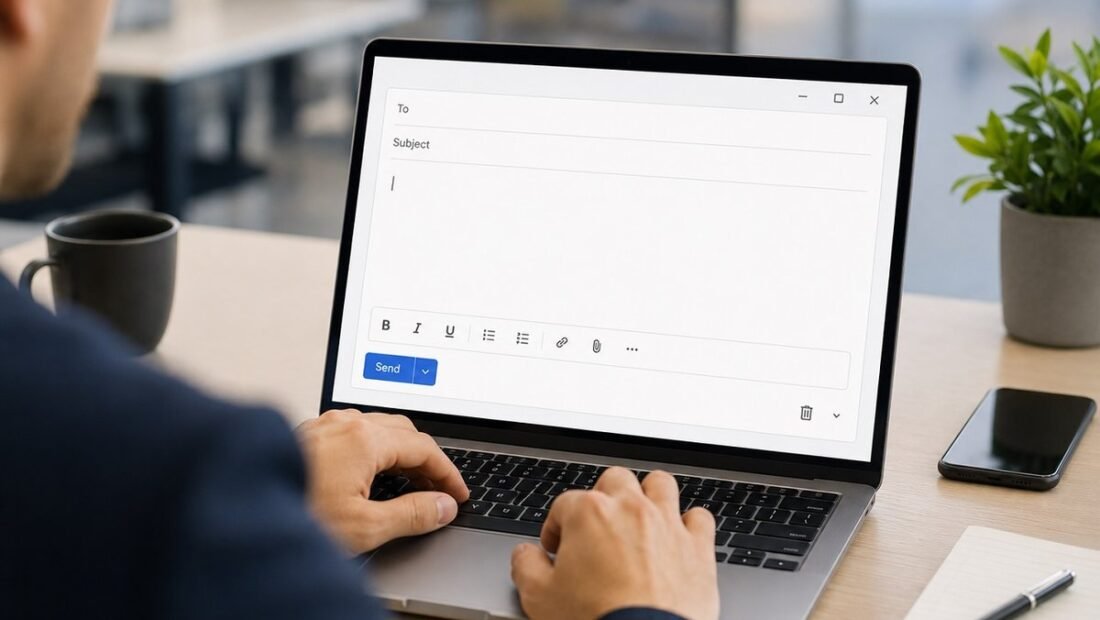
Forty minutes. That is how long a two-line email took last Tuesday — the one that said, in the end, “No problem, Thursday works.” The writing was not the hard part; the hard part was the tone: warm but not gushing, firm about the deadline without sounding annoyed, short without sounding cold. This is exactly the kind of writing AI is genuinely good at helping with — not writing your emails for you, but collapsing the forty minutes of hovering into five minutes of editing. Yes, AI can help you write better work emails, measurably better and dramatically faster, provided you use it the way this guide sets out: as a drafting engine that you feed, steer and correct — never as the sender of record.
What you need before you start
Any mainstream AI assistant — the one built into your email or office suite, such as Microsoft Copilot, or a standalone chatbot — and one habit: never start from a blank box. AI email help fails when people type “write an email about the meeting” and accept whatever comes back, because what comes back is the average of all emails ever written about meetings: fluent, padded and dead. It succeeds when you drive it through the steps below, starting with the step that does most of the work.
Step 1: Start from your facts, in bullets
Before opening the AI, write the email’s raw material as ugly bullet points only you could write: the facts, the deadline, the thing you actually want the reader to do, the one awkward detail. “Project file attached / client asked for Friday, we need Monday / my fault for late start / don’t blame supplier / want their OK by Wed.” Then hand those bullets to the AI and ask for a draft. The bullets are the intelligence; the AI is the prose. This division is what separates a draft that takes two edits from one that takes twenty — and it is why the same tool produces gold for one person and mush for another.
Step 2: Tell it who, what relationship, what outcome
An email is not good or bad in the abstract; it is good or bad for a reader. So add three lines of steering to every request: who is receiving it (your manager, a new client, a supplier you have used for years), what the relationship needs (you want goodwill, you need compliance, you are repairing something), and what a successful reply looks like (they approve Monday, they send the file, they stop chasing). Watch the difference it makes: “draft an email delaying delivery” produces a grovel; “draft an email to a long-standing client delaying delivery to Monday because of my late start; be direct, take responsibility, offer the new date confidently” produces an email you could nearly send. Steering takes twenty seconds and does more for quality than any premium tier.
Step 3: Ask for versions, not a version
Never evaluate a single draft in a vacuum. Ask for two or three at once — the standard version, a shorter one, a warmer or firmer one — and pick by comparison. Comparison is where your judgment works fastest: you may not be able to write the perfect line, but you can spot it instantly when it appears among three. This step is especially powerful for the two shapes of corporate email everyone dreads: the chase and the no. For a chase, generate the politely escalating ladder (gentle, firmer, final) in one go and store them — they pair naturally with the follow-up method in our guide to how to follow up with a potential client without being annoying. For a no, generate versions until one protects the relationship while closing the door completely — half-closed doors are where repeat requests breed.
Step 4: Edit like an editor, not a passenger
Now the step that decides everything: edit the draft before it goes anywhere near the send button. Cut the padding first — AI drafts arrive dressed in throat-clearing (“I hope this email finds you well,” “I wanted to reach out regarding”) that no human needs. Then personalize: add the specific detail only a person who was there would know — the name of the project phase, the reference to Tuesday’s call, the number that matters. Then fact-check with your own eyes: every name spelled right, every date and figure the one you actually meant, because the AI will happily carry a wrong deadline forward in perfect prose. Read it aloud once. If a sentence sounds like a press release, rewrite that sentence in your own words and leave the rest. Five minutes of this turns a generic draft into your email that happens to have been drafted quickly.
One email, start to finish
Here is the whole method on a real shape of problem. The raw bullets: “Report was due today / supplier data arrived two days late / I should have flagged it Monday / reader is my manager / don’t sound like I’m blaming the supplier / new date: Thursday noon.” The steered request adds: direct, accountable, no groveling. The draft that comes back will be roughly: “Hi Priya — flagging that the Q3 report will land Thursday at noon instead of today. The supplier data arrived two days late, and I should have raised the risk on Monday rather than assuming we’d catch up. Everything else is done; the delay is isolated to this report. I’ll confirm Thursday morning that it’s with you.” Now the human edits: cut any sentence that still sounds templated, insert the one true detail (“the regional breakdown is the only section affected”), check the day and time, done. Total elapsed time, once this is a habit: about four minutes, most of it thinking — which is the part that was always yours. Compare the two failure modes people fear: the unedited version of the AI draft might have added a breezy “Thanks for your understanding!” that presumes forgiveness you haven’t been given. Your edit is not decoration on the method. Your edit is the method.
Step 5: Use it hardest where the emotions are
The highest-value use is not routine email; it is the messages where your feelings degrade your writing — the apology, the complaint, the reply to the message that made you angry. Draft those with AI deliberately: paste in what you want to say (vent freely in the prompt), then instruct the assistant to produce the professional version that keeps the substance and removes the heat. Compare it against your draft an hour later, when you have cooled. People who build this habit send fewer emails they regret, which across a career is worth more than all the minutes saved on the routine ones combined.
Step 6: Teach it your voice with two samples
If your drafts keep coming back sounding like someone else, the fix takes one minute: paste two or three short emails you have written and liked, and instruct the assistant to match that style — sentence length, directness, warmth. Keep those instructions in a note you reuse. “Sounding like AI” is mostly a prompting failure: unsteered, the tool writes like the average of the internet; steered with your samples, it writes like you on a good day, which is precisely the product you wanted.
One small add-on to the habit: when the draft is right, ask the assistant for five subject lines for it, and choose the most literal one. AI is oddly good at subject lines because they are pure compression — “Thursday works — confirming 10 a.m.” beats “Re: Re: Meeting” — and an honest, specific subject is the difference between an email that gets opened now and one that gets excavated next week. Just refuse the clickbait versions it sometimes offers for internal mail; your colleagues’ trust is worth more than their open rate.
Step 7: The two rules that keep you safe
First, privacy: do not paste genuinely confidential material — customer data, unpublished financials, personal details about colleagues — into consumer AI tools, and strip names where the names are not needed for the draft. Write “the client” and put the name back in your edit. Second, accountability: an email with your name on it is yours, including the error the AI made and you missed. The tool drafts; the human sends; the responsibility never transfers. Keep those two rules and the workflow above is all upside.
Where not to use it at all
Close the laptop for three categories. Condolences and genuine crises — the recipient deserves your actual words, awkwardness included; polish reads as distance. Anything disciplinary, legal or contractual in substance, where a phrase has consequences — draft with professionals there, not probabilities. And the two-line emails that take thirty seconds to write yourself, where the tool is slower than the task. Everything else on your plate — the chases, the declines, the updates, the introductions, the Thursday-works replies — is the AI’s natural work. Feed it bullets, steer it hard, edit like it matters, and the forty-minute email becomes a five-minute one: recognizably yours, only calmer, shorter and sent.




1 Comment