You’re browsing monitors, and the 144Hz models keep winking at you — smoother, faster, more “gaming.” But you’re a casual gamer: some Minecraft with the kids, Stardew Valley after work, maybe a round of Rocket League on weekends. Is upgrading to a 144Hz monitor worth it for casual gaming, or is it enthusiast gear that’ll sit wasted on a desk in Plano? The honest answer depends on what you play, what hardware you own, and what “worth it” means to you — because the price premium has shrunk to the point where the question is genuinely interesting. For more detail on a related topic, see our article on can you use an old phone as a baby monitor.
What 144Hz Actually Means
Refresh rate is how many times per second your monitor redraws the image. A standard 60Hz monitor redraws 60 times per second; 144Hz redraws 144 times. Higher refresh means:
- Smoother motion: fast movement looks fluid instead of choppy — most noticeable in first-person shooters, racing games, and fast camera pans.
- Lower input lag: the image you see is fresher, so your reactions connect to what’s actually happening. At 144Hz, each frame is ~6.9ms old max versus ~16.7ms at 60Hz.
- Less motion blur: moving objects stay sharper, making targets easier to track.
The catch: your PC must actually produce 144 frames per second to use it. A 144Hz monitor showing a 60fps game looks… like a 60fps game. The monitor can’t invent frames your GPU doesn’t render.
The Casual Gamer’s Reality Check
Be honest about your library:
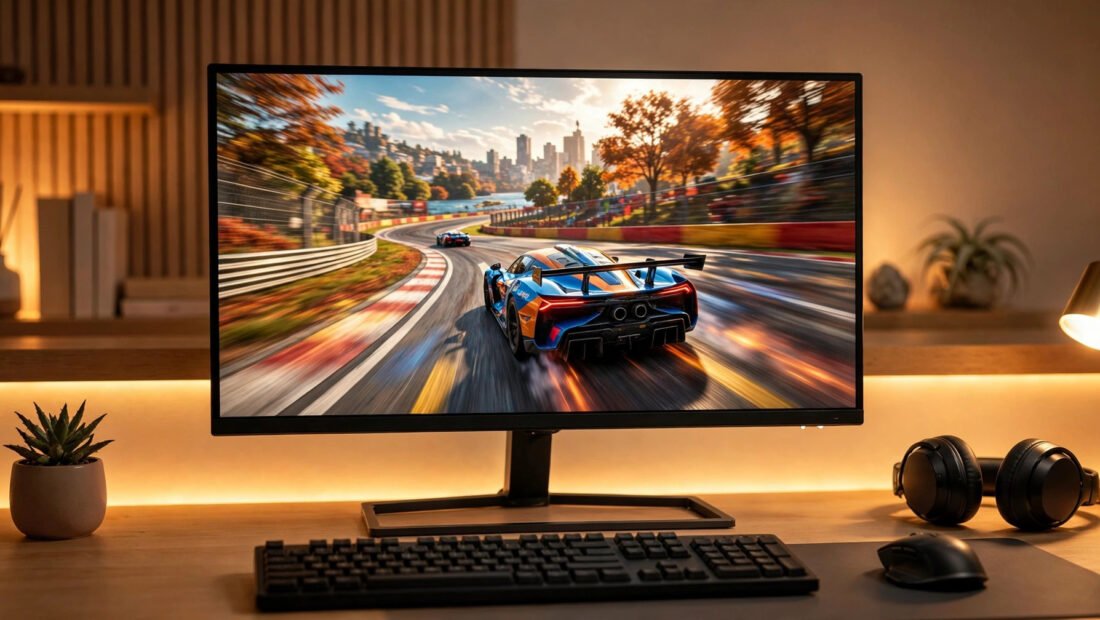
- You’ll notice it: Rocket League, Fortnite, Apex Legends, Call of Duty, Valorant, racing games — anything fast and competitive. Even casual players feel the smoothness immediately; it’s the rare upgrade that’s obvious within seconds.
- You probably won’t: Stardew Valley, Civilization, The Sims, most JRPGs, visual novels, city builders — games where the screen barely moves. A 144Hz panel does nothing for turn-based strategy.
- Mixed: Minecraft (noticeable when exploring fast), GTA (smoother driving), single-player action games like Elden Ring (nicer, but capped at 60fps anyway on many titles).
Rule of thumb: if your games involve aiming at moving things or fast camera movement, 144Hz is transformative. If they involve menus and thoughtful pauses, save your money.
Can Your PC Even Drive It?
This is where casual gamers get burned. Check before buying:
- GPU: esports titles (Valorant, Rocket League, Fortnite on modest settings) hit 144fps on even budget GPUs from the last few years. Demanding AAA games need mid-range or better hardware. Check your fps first — enable the counter in your games’ settings and see what you’re actually getting.
- Connection: you need DisplayPort or HDMI 2.0+ for 144Hz at 1080p. Ancient HDMI 1.4 cables cap at 120Hz (1080p) — fine, but verify. The cable in your drawer from 2014 might bottleneck you.
- Resolution tradeoff: 1440p 144Hz is the sweet spot for most, but demands significantly more GPU. For casual gaming on modest hardware, 1080p 144Hz is the smart buy — and 1080p 144Hz monitors are now genuinely cheap.
Also consider the hidden cost: a gaming PC pushing high frame rates draws real power — higher fps means the GPU works harder, which shows up on your Texas electric bill.
The Price Question in 2026
Here’s what changed the math: decent 1080p 144Hz IPS monitors now sell for $130–$180 — barely $30–$50 more than a comparable 60Hz panel. At that premium, the question flips: why wouldn’t you? The scenarios where 60Hz still makes sense:
- Your PC can’t push past 60fps in the games you play and you won’t upgrade it.
- You exclusively play slow-paced games and do mostly office work.
- You’re choosing between 144Hz 1080p and 60Hz 4K for cinematic single-player games — the 4K image quality may delight you more than smoothness.
What to buy if you say yes: 24″ 1080p 144Hz+ IPS panel from a reputable brand ($130–$180). IPS over VA for better colors and viewing angles unless you specifically want VA’s contrast. Avoid no-name brands with fake specs — check RTINGS or Hardware Unboxed reviews. G-Sync/FreeSync support (now effectively universal) eliminates screen tearing, and it’s worth having.
144Hz vs 240Hz: Should Casual Gamers Go Higher?
You’ll also see 240Hz monitors marketed aggressively. For casual gaming, the jump from 60Hz to 144Hz is dramatic and obvious; the jump from 144Hz to 240Hz is subtle and mostly matters to competitive esports players chasing every millisecond. Worse, 240Hz demands a PC that can actually render 240fps — far beyond casual hardware in most titles. The price premium for 240Hz buys you bragging rights, not a better Stardew Valley. Stick with 144Hz (or 165Hz, effectively identical) and put the savings toward a better GPU, which improves every game you play rather than just the refresh ceiling.
Beyond Gaming: The Secret Benefit
Here’s what surprises casual buyers most: 144Hz improves everything, not just games. Mouse cursor movement, window dragging, web scrolling — the entire desktop feels liquid-smooth. Many casual gamers report this desktop smoothness alone justified the upgrade, since they spend more hours in browsers and office apps than in games. Once you’ve used 144Hz daily, going back to 60Hz feels like wading through syrup. It’s the rare spec that’s both a gaming upgrade and a quality-of-life upgrade.
Conclusion
For casual gamers in 2026, 144Hz is worth it if you play anything fast-paced and your PC can push the frames — and at today’s $30–$50 premium over 60Hz, that’s a low bar. The smoothness is immediately obvious in shooters, racers, and Rocket League; it’s invisible in Stardew Valley and Civ. Check your actual fps first, buy a reputable 1080p IPS panel from a brand with verified reviews, and enjoy the desktop smoothness bonus either way. The era when high-refresh was enthusiast-only pricing is over — for most casual gamers, it’s now simply the sensible default purchase for anyone buying a monitor in 2026. For detailed model comparisons, RTINGS’ monitor reviews test refresh-rate performance rigorously. Blur Busters offers rigorous, measurement-based testing of refresh rates and motion clarity if you want data before buying.
Frequently Asked Questions
Can the human eye see more than 60fps?
Yes — this myth refuses to die. Most people can clearly distinguish 60Hz from 144Hz in side-by-side motion tests; trained eyes notice up to 240Hz+. The “human eye can’t see past 60fps” claim has no scientific basis.
Is 144Hz worth it for a PS5 or Xbox?
Consoles support 120Hz output, so a 144Hz monitor works great (it’ll run at 120Hz). If you game on both PC and console, a 144Hz+ monitor with HDMI 2.0/2.1 covers both nicely.
What’s better: 144Hz 1080p or 60Hz 4K?
For competitive/fast gaming: 144Hz 1080p, no contest. For cinematic single-player games and productivity: 4K 60Hz’s image quality may please you more. For most casual gamers who do a bit of both, 1440p 144Hz splits the difference — if the budget allows.
Do I need a special cable for 144Hz?
Use DisplayPort (best) or HDMI 2.0+. The cable included with most 144Hz monitors is fine. Very old HDMI cables (pre-2.0) may limit you to 120Hz at 1080p or 60Hz at higher resolutions.
Will 144Hz make me better at games?
It reduces input lag and motion blur, which measurably helps reaction-based play — studies show modest performance gains. But it won’t fix bad aim or game sense. Think of it as removing a handicap, not adding skill.